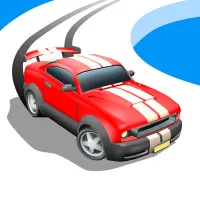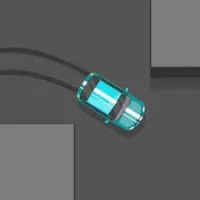













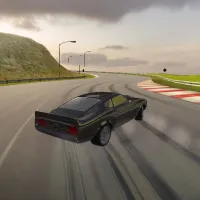









This is an arcade racing game called Racing Pop. It has one-button controls, automatic steering, and driving that is based on precision. On global leaderboards, players race on beautiful tracks, unlock new cars, improve their performance, and try to get faster lap times.
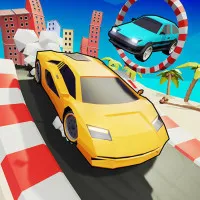
Racing Pop has bright, low-poly graphics, realistic physics, and easy-to-understand gaming that rewards timing over complicated controls. Beat every turn and be the fastest to the top of the list!
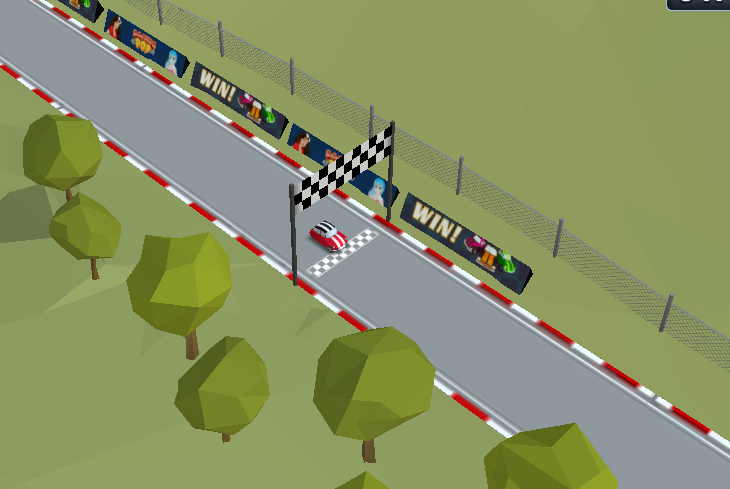
Overview of gameplay
Get good at one-button racing
In Racing Pop, players can change how fast the car moves by holding down the left mouse button and letting go of it before turns. The car stays on the road thanks to automatic steering, so timing is very important in every race. There are more than 50 tracks in five different places, with layouts that get harder as you go. At every turn, players have to find the right balance between speed and control.
Improve your cars to make them run better.
Between races, players can fix their tires, suspension, brakes, gearbox and engine pistons in the shop. These upgrades make the vehicles run better generally and get them ready for tracks with more difficult conditions. Over 19 different cars give players more ways to improve as they keep racing. Better upgrades help make the handling smoother and the lap times faster.
How to Get Your Lap Times Down
Instead of just slowing down, look at every turn as a chance to improve your racing line. When going into sharp turns, letting off the gas a little before entering them often makes the exits cleaner and keeps the momentum going. Upgrading the garage on a regular basis also makes it more stable on difficult tracks. The key to moving up the world leaderboard is to be consistent with your timing.
Control Guide
- Left Mouse Button (Hold): Accelerate.
- Release Left Mouse Button: Slow down before corners.
Similar car games